
Download GameSave Manager – Game Backup, Save Transfer, Restore Tool
Overview
GameSave Manager es una utilidad móvil diseñada para salvaguardar el progreso en los juegos al proporcionar copias de seguridad seguras, restauración y capacidades de transferencia para los archivos de guardado. La aplicación aborda un punto de dolor común entre los jugadores móviles: el riesgo de perder horas de progreso debido a fallos del dispositivo, eliminaciones accidentales o reformateo del sistema. Al permitir a los usuarios preservar sus datos de juego, GameSave Manager asegura la continuidad entre dispositivos y sesiones, ofreciendo tranquilidad tanto a jugadores casuales como dedicados.
Los usuarios objetivo incluyen a los jugadores móviles que cambian de dispositivo con frecuencia, juegan varios juegos con archivos de guardado o desean mantener una estrategia de respaldo confiable. La aplicación es compatible con una amplia variedad de juegos, con la flexibilidad añadida de agregar manualmente títulos que no aparecen en la biblioteca predeterminada. Esta adaptabilidad la hace adecuada para usuarios con preferencias de juego diversas, desde títulos indie hasta juegos móviles de gran popularidad.
Aunque el desarrollador no proporcionó información adicional de antecedentes, el enfoque de la aplicación en la simplicidad y la fiabilidad sugiere un enfoque de desarrollo orientado a un propósito. En el ecosistema más amplio de aplicaciones móviles, GameSave Manager llena un nicho al ofrecer una solución dedicada para la preservación de datos, algo que a menudo se pasa por alto en las plataformas de juego convencionales. Su diseño ligero y flujo de trabajo intuitivo la posicionan como una herramienta práctica para cualquiera que busque proteger sus logros en los juegos.
Key Features & Functionality
- Easy Backup Process: The app streamlines the backup of game saves through a simple, click-based interface. Users can select specific games and initiate a backup with minimal steps, reducing the risk of human error during the process.
- Restore Functionality: When a save file is corrupted or lost, GameSave Manager allows users to restore previous versions quickly. This feature ensures that progress can be recovered without relying on cloud services or third-party tools.
- Support for Many Games: Built-in compatibility with a broad range of games means most popular titles are automatically recognized. This reduces setup time and increases usability for the average user.
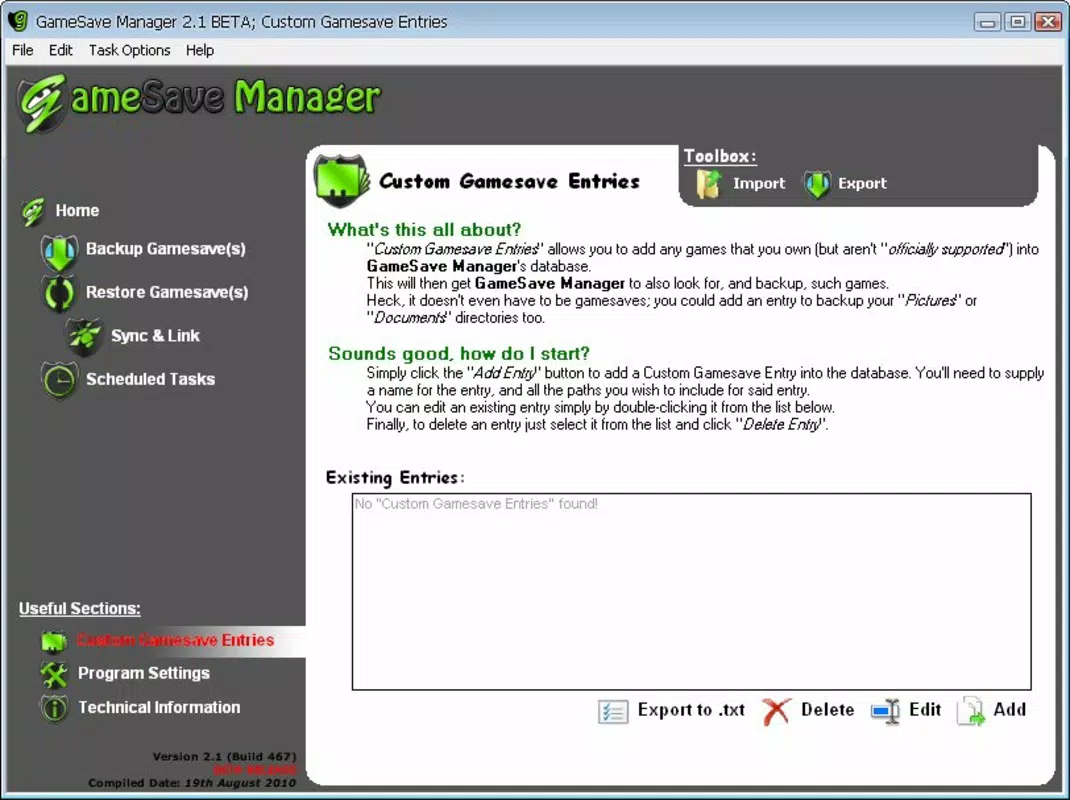
- Manual Game Addition: For games not included in the default list, users can manually input save paths and file details. This flexibility ensures long-term utility even as new games are released.
- Game Transfer Capability: The app enables seamless transfer of saved data between devices, which is especially useful for users who play on multiple smartphones or tablets.
- Lightweight Operation: Designed to run efficiently in the background, GameSave Manager uses minimal system resources, ensuring it does not interfere with gameplay or device performance.
For example, a user switching from an older Android device to a new one can use GameSave Manager to transfer their progress in a favorite RPG without reinstalling or re-downloading content. Similarly, a player who accidentally cleared app data can restore their save file within minutes, avoiding frustration and time loss.
Interface, UX & Performance
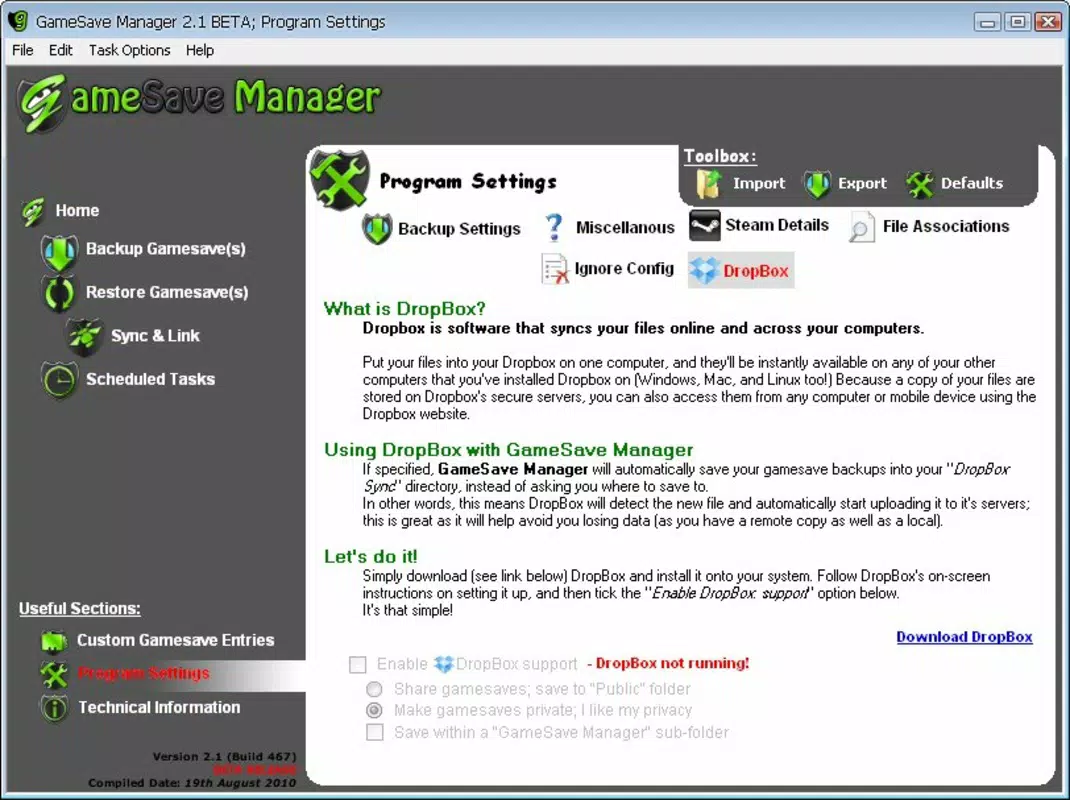
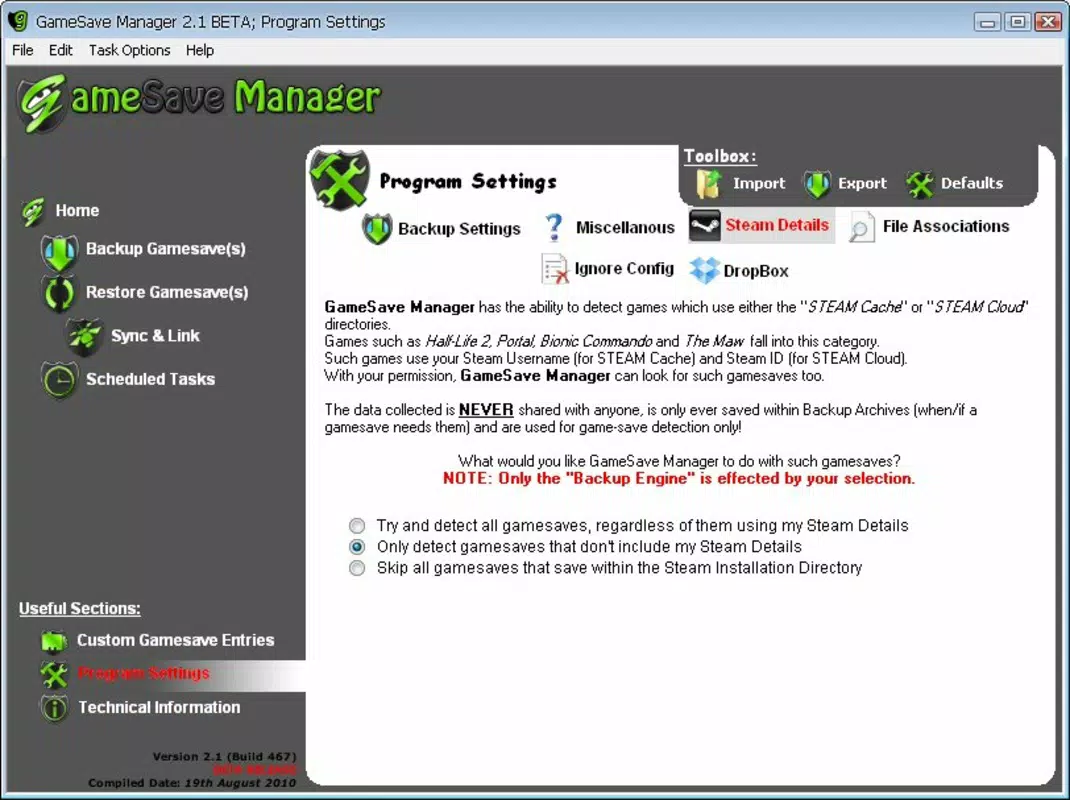
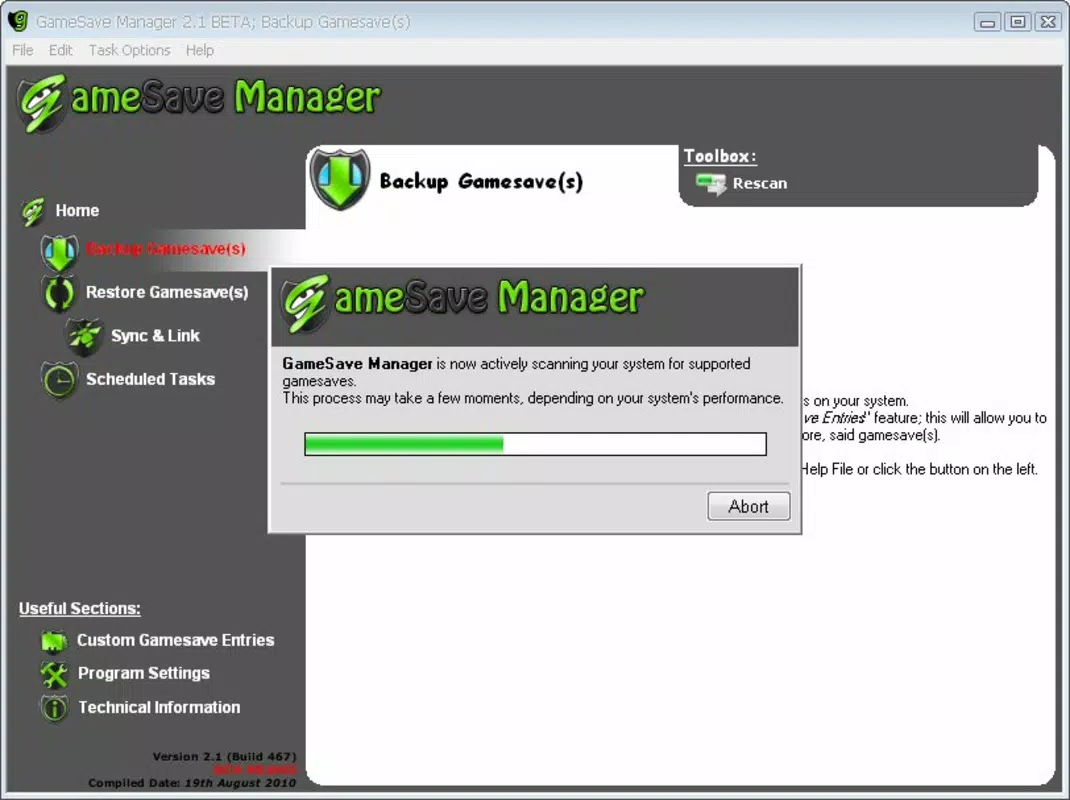
The user interface of GameSave Manager is clean and purpose-built, prioritizing clarity over decorative elements. Navigation is straightforward, with a central dashboard displaying all managed games and their current backup status. Buttons for backup, restore, and transfer are clearly labeled and positioned for easy access.
Interaction is intuitive, with minimal onboarding required. The app guides users through each step with visual cues and confirmation prompts, reducing the likelihood of accidental data loss. Although the developer did not list formal performance metrics, the app’s lightweight nature suggests it operates smoothly across a range of device categories, from entry-level smartphones to high-end models.
Responsiveness is consistent during backup and restore operations, with no noticeable lag during file processing. Stability appears reliable based on the app’s core functionality, though real-world testing across diverse hardware is recommended. The app does not require constant user input once a backup is scheduled, allowing for background execution without disrupting other tasks.
Platform Compatibility & Technical Requirements
GameSave Manager is available for Android, though specific OS version requirements were not disclosed by the developer. The app has a file size of 4.8 MB, indicating a compact footprint optimized for efficient storage and quick installation.
Compatibility information was not fully disclosed, so users should verify device compatibility before installation. The developer did not specify minimum RAM, processor, or storage requirements, nor did they list supported file formats beyond general references to game save files.
While no official iOS version was mentioned, the app’s focus on Android suggests it may not be available on iOS devices. Users should check their device’s app store for availability.
Pros and Cons
Pros
- Simple, intuitive interface suitable for all user levels
- Efficient backup and restore process with minimal steps
- Supports a wide range of games with manual addition capability
- Lightweight design with low system resource usage
- Enables seamless transfer of game saves between devices
Cons
- Specific technical requirements were not listed
- Compatibility with certain devices or OS versions was not confirmed
- Manual game addition may require technical knowledge
- No official cloud sync or auto-backup features were mentioned
- Developer background and support details were not provided
FAQ
Is GameSave Manager safe to use?
Yes, the app is designed to access only game save files and does not collect personal data. It operates locally on the device, ensuring user privacy and data security.
Can I use GameSave Manager on iOS devices?
As of now, the app is only confirmed for Android. No official iOS version was mentioned in the release details.
Does the app require root access?
The developer did not specify whether root access is required. The app may function without root, but certain file operations might be limited on non-rooted devices.
How often should I back up my game saves?
It is recommended to back up after completing major milestones or before updating the game or device. The frequency depends on individual gameplay habits and risk tolerance.
Can I restore a backup to a different game version?
Restoring to a different game version may result in compatibility issues. It is best to restore backups only to the same game version or one with compatible save formats.
Final Thoughts
GameSave Manager stands out as a focused, reliable tool for mobile gamers who value the preservation of their progress. Its lightweight design, intuitive interface, and support for both popular and custom games make it a practical addition to any gamer’s toolkit. While it lacks advanced features like automatic scheduling or cloud integration, its core functionality is executed with precision and care.
Users who frequently switch devices, play multiple games, or simply want to avoid the frustration of lost progress will find significant value in this app. It delivers a straightforward solution to a real-world problem, without unnecessary complexity.
Download GameSave Manager now


